
Crack NEET with Confidence – Practice with DhyNEET
15000+ NCERT-based questions, AI-backed analysis, and real NEET mock tests – all 100% offline on your Windows Laptop!


Zero Distraction
100% offline Practice – Zero distractions.

Quality Questions
15000+ NEET Pattern Questions – Chapter-wise and mixed.

Mock Test
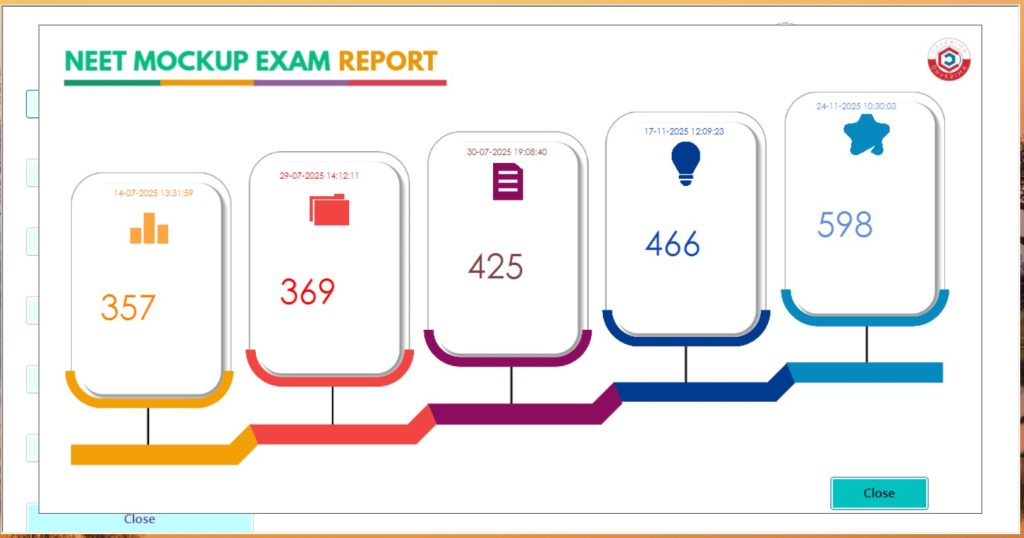
Unlimited no of Real 3- hour NEET Mock Tests with immediate results with review

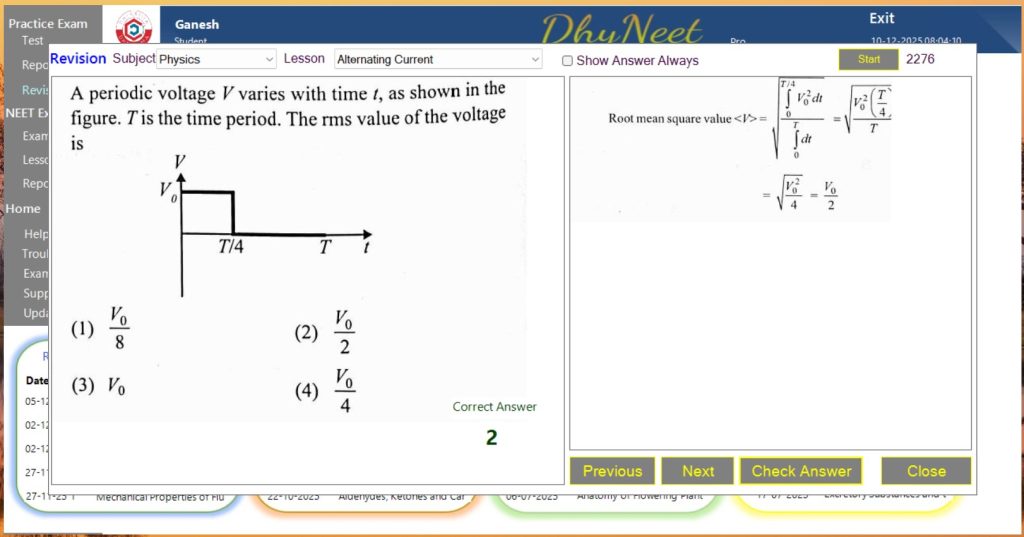
Revision
Revise all the questions and answers for each chapter with in an hour.
Product Screenshot
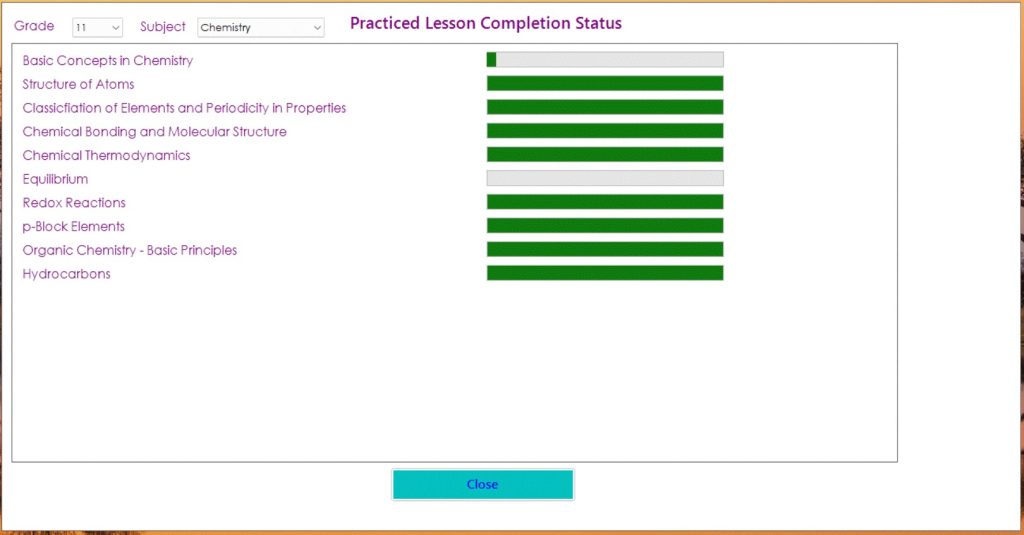
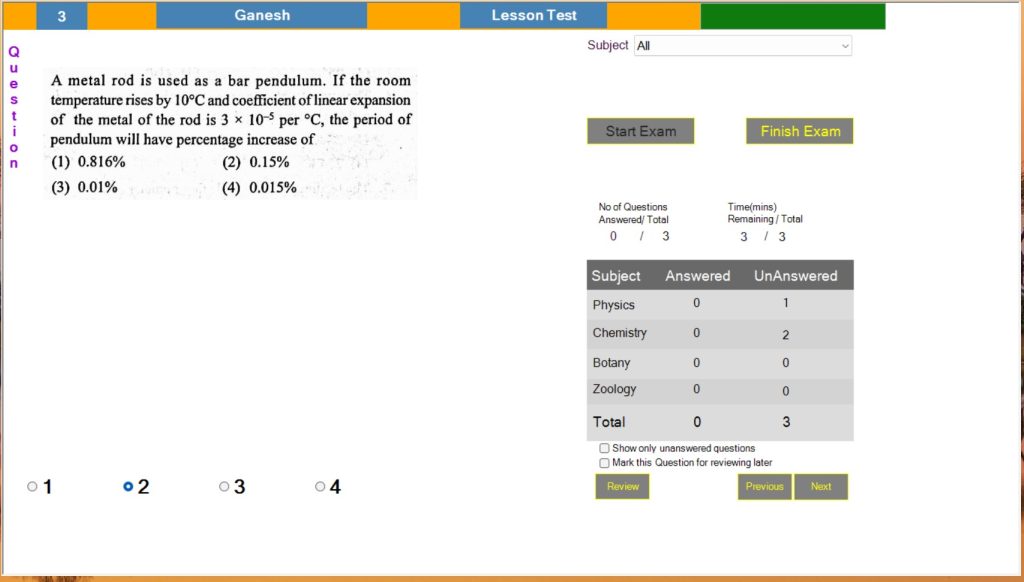
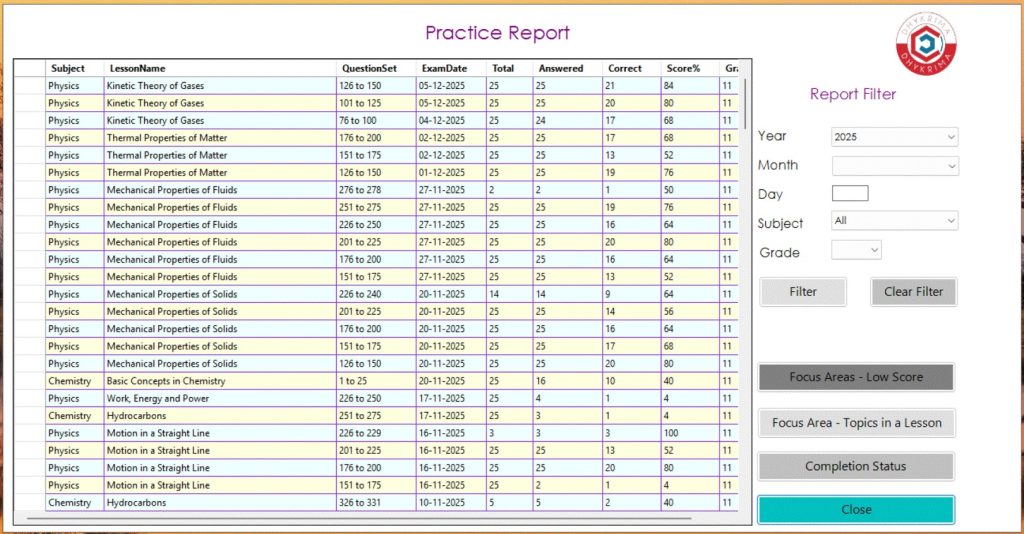
Explore DhyNeet interface. Designed for focus, speed and real exam readiness.
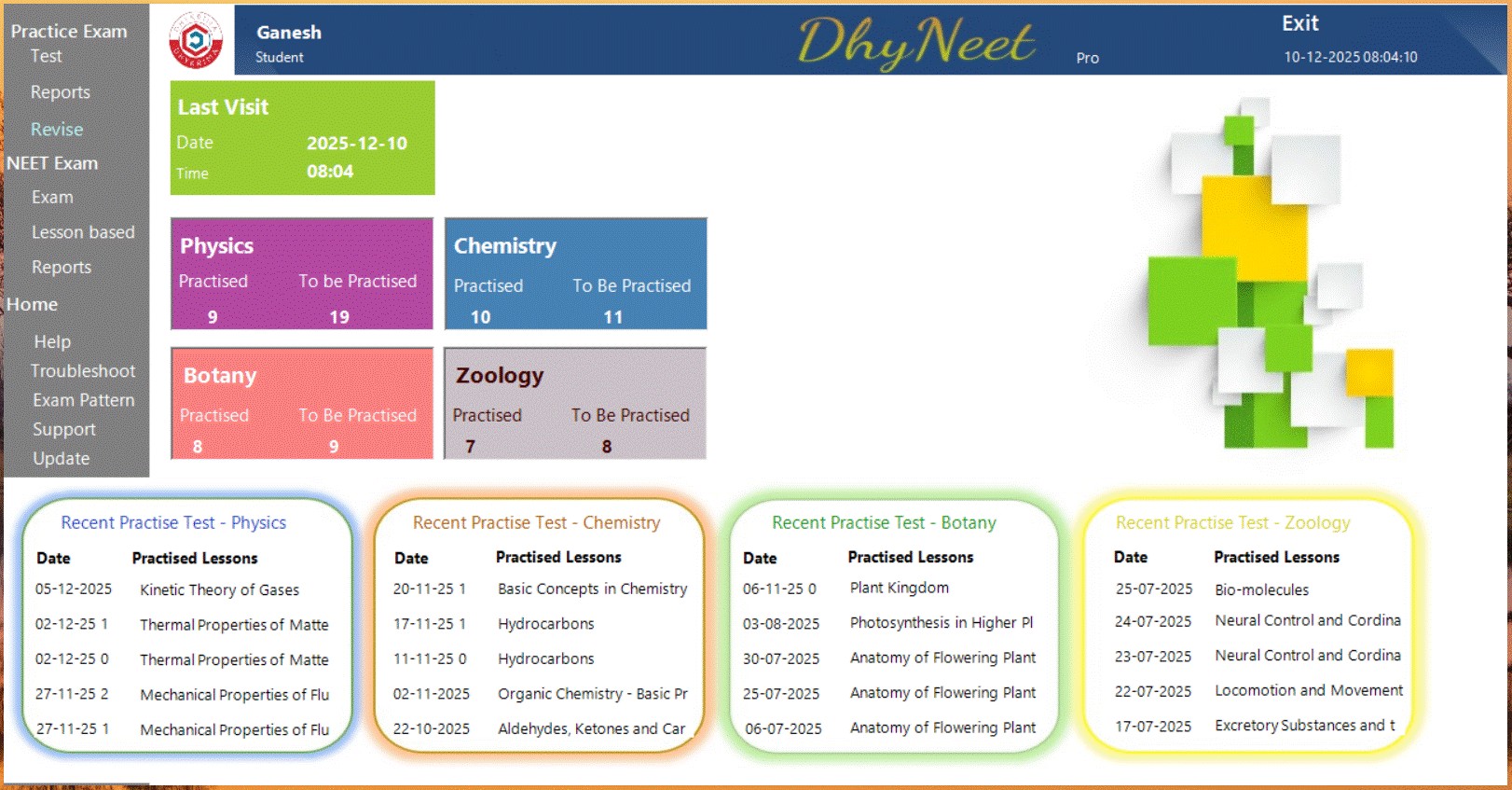
Main Dashboard
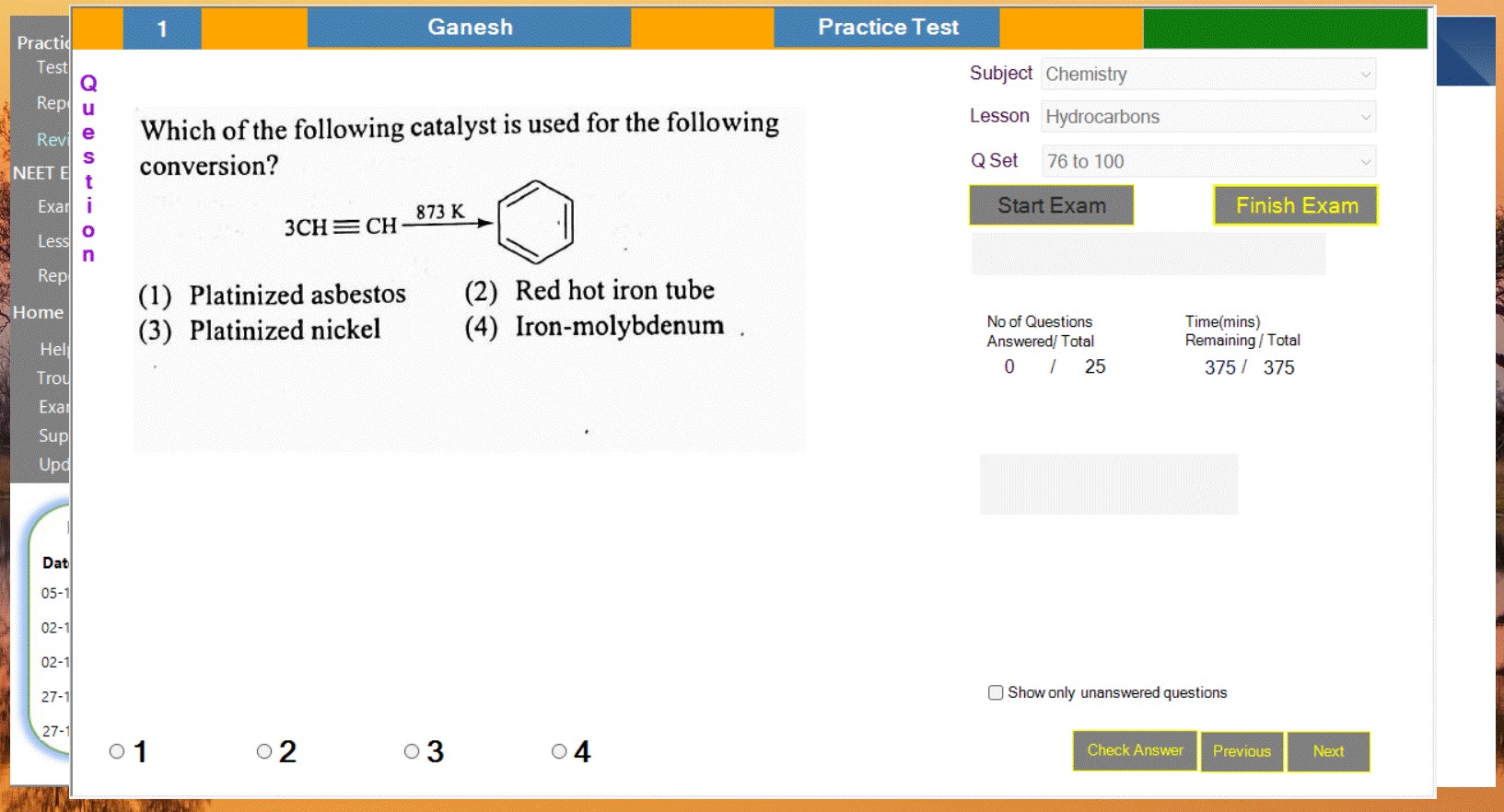
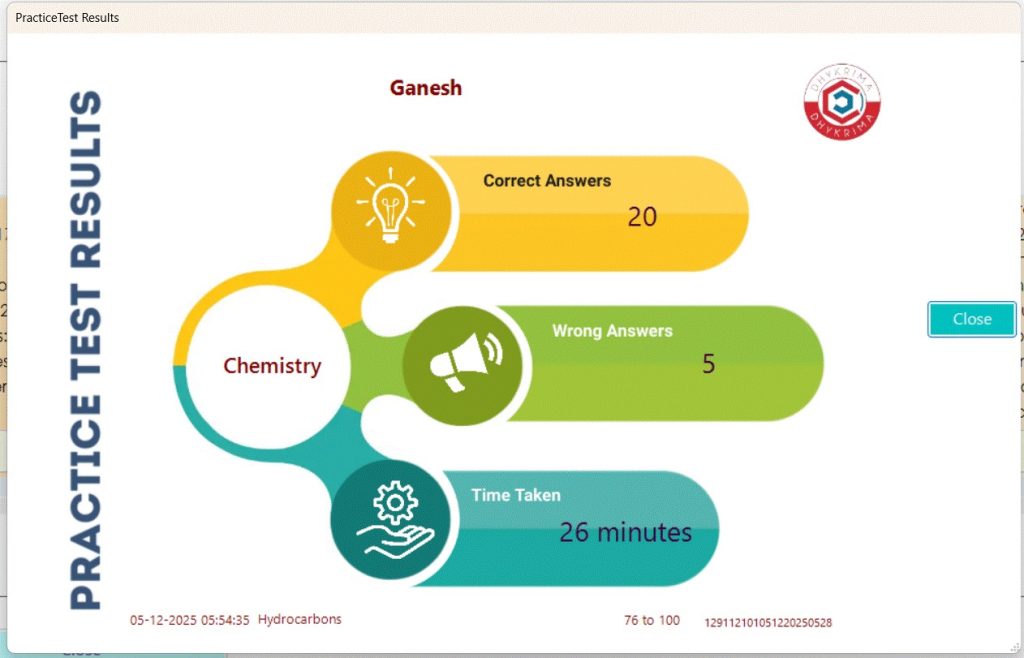
Lesson based Test
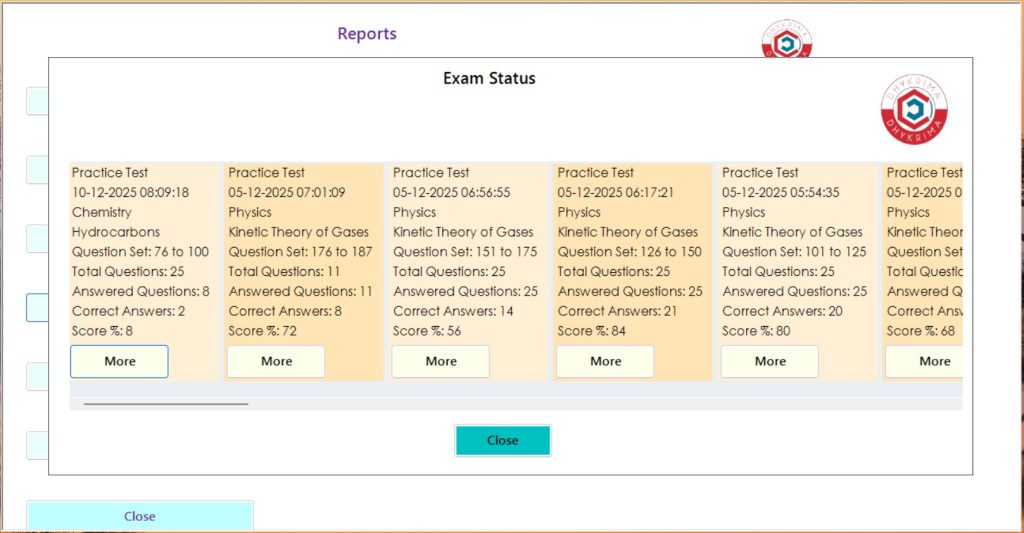
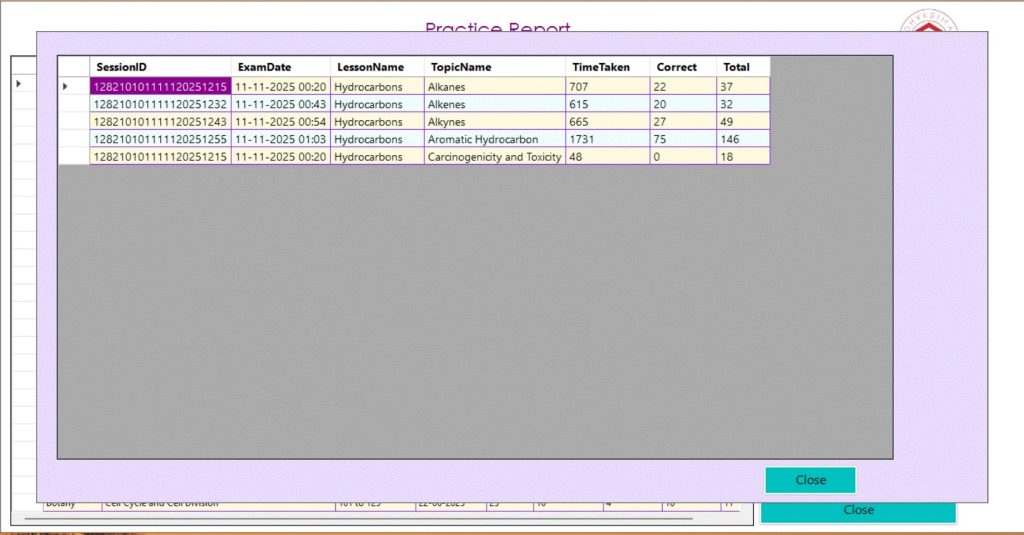

“DhyNeet helps my son to focus on testing skills very easily that too with each lesson! This is a great tool to practice for NEET Exam!.“
priyanka mary

“My son has identified this tool as a very valuable and increased his competency. His score improved from 410 to 630.”
nitin kulkarni

“Rapid revision helped my daughter to revise one lesson within an hour! Excellent tool to Practice and Excel”
isha batra
Practice Test
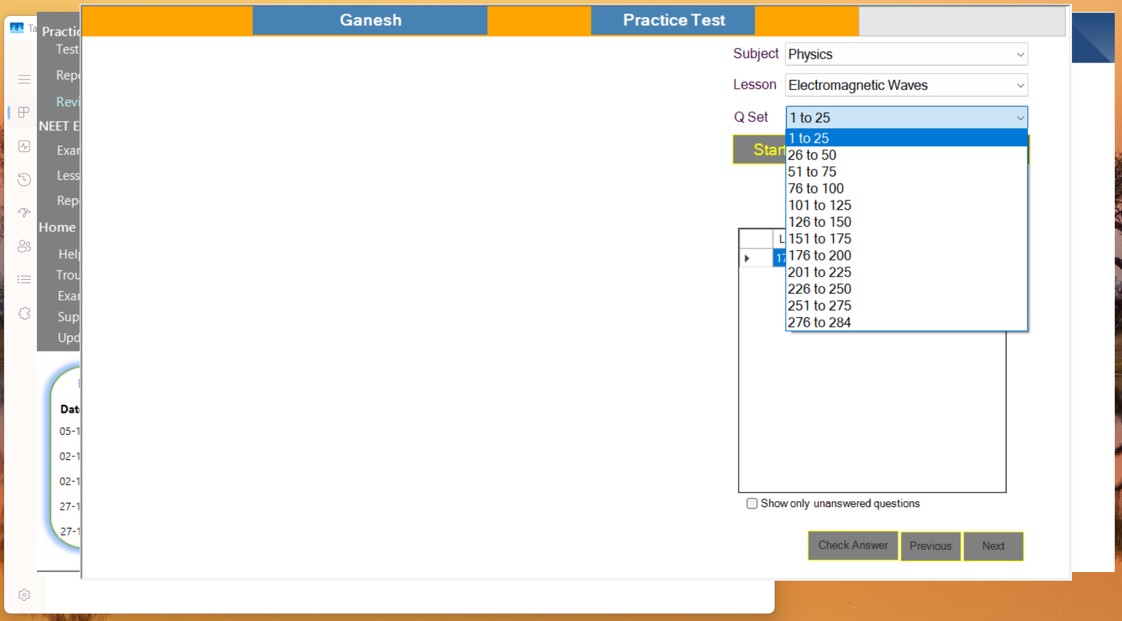
Each lesson contains 25 questions organized into a Question Set for focused practice. After selecting a lesson, the completed Question Sets are displayed so the student can choose to continue with the next set or revisit a finished one.
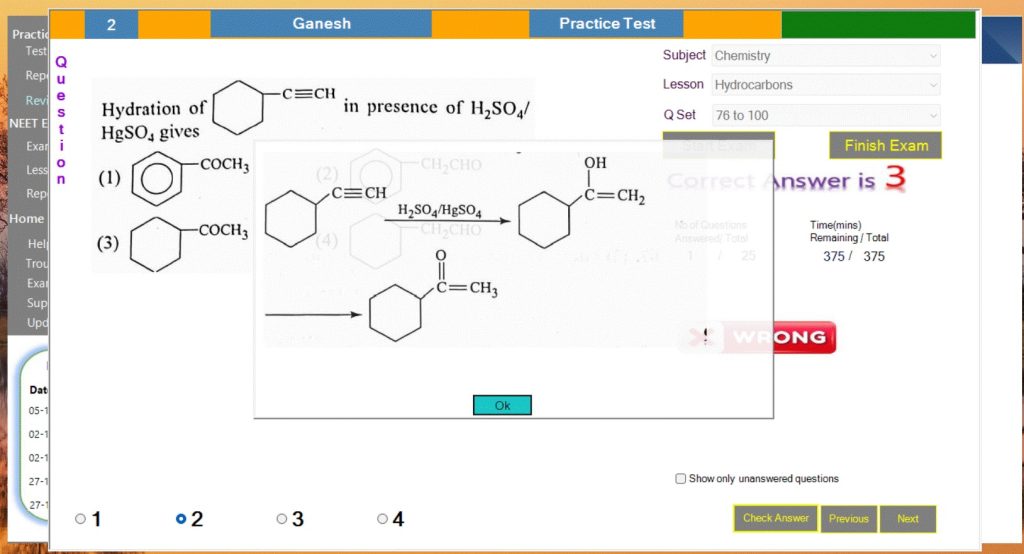
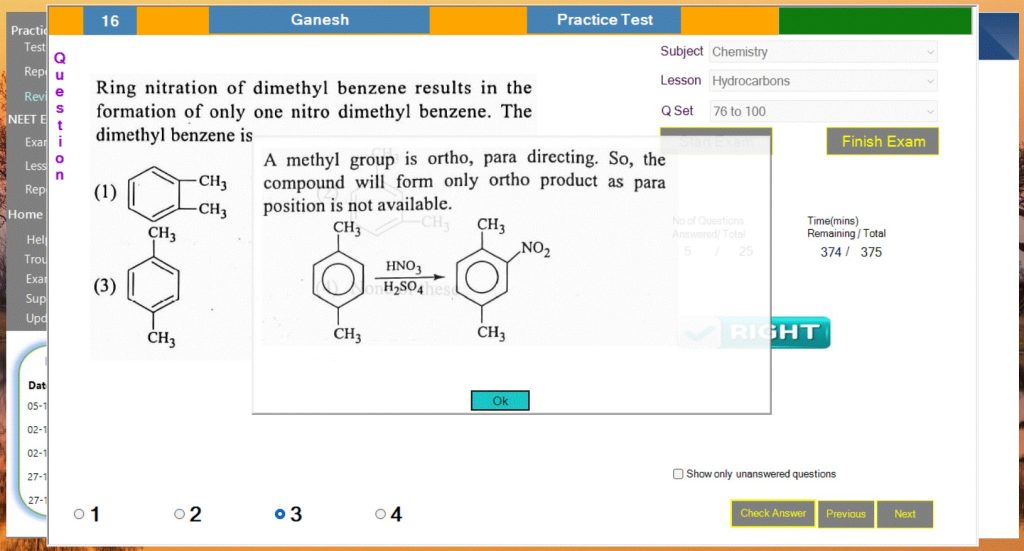
Instant Answer & Explanation
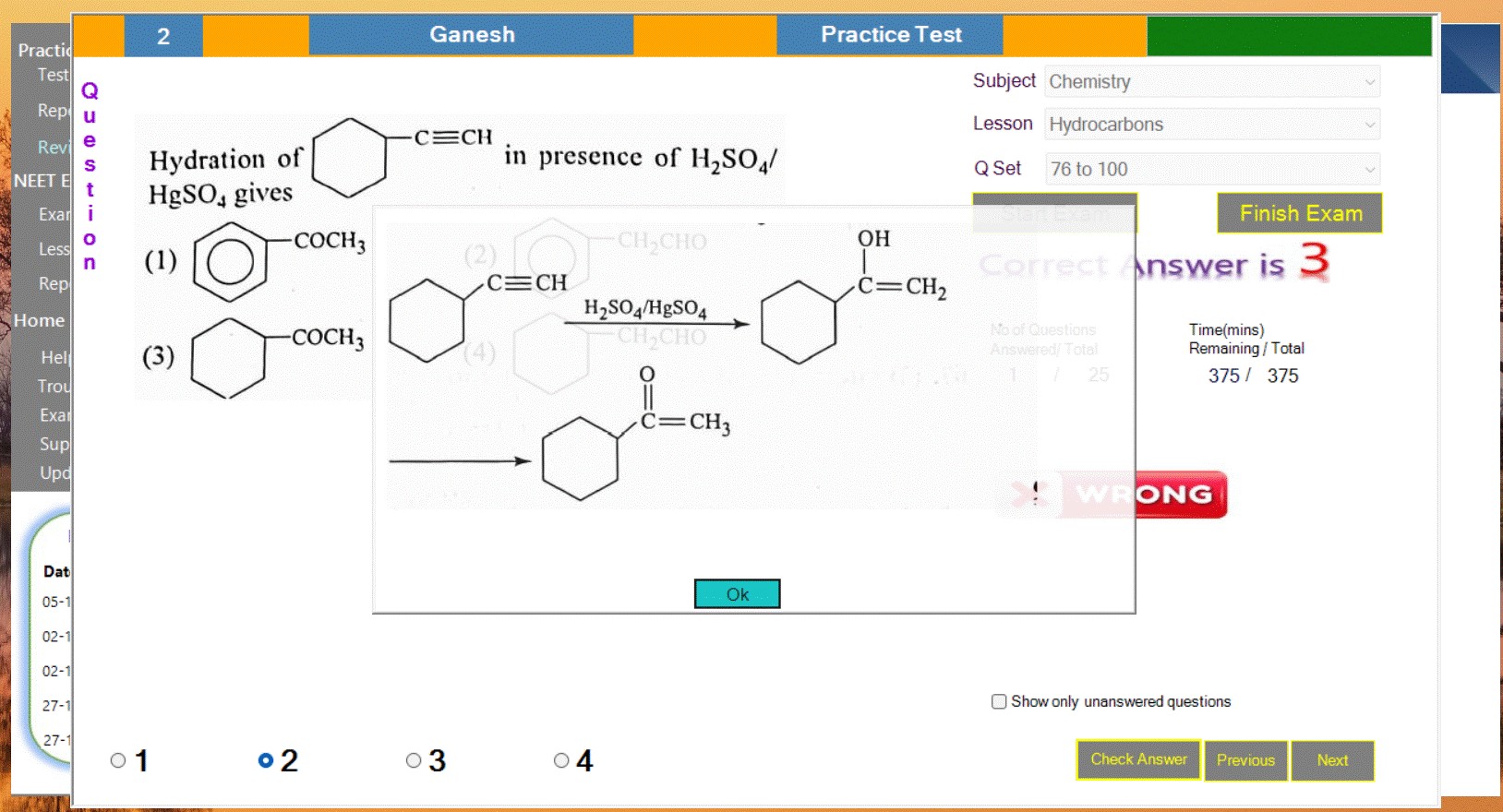
In practice mode, when the student selects ‘Check Answer,’ the correct option (1/2/3/4) and a detailed explanation are immediately shown, allowing the student to verify their solving method.
💰 Product Pricing
One-Time License – ₹42,000
What’s Included:
• Full access to 15,000+ NEET-pattern questions
• All chapter-wise tests & full-length mock tests
• 100% offline practice on Windows
• 3-hour real NEET exam simulator
• Smart analytics & weak-area insights
• Free software updates for 2 years
• Fast student support (WhatsApp / Phone / Email)
License Type:
One-time purchase • Valid for 1 Windows laptop
(You can request reactivation if you change your laptop)
📝 Activation Guidelines
How to Purchase, Install & Activate DhyNEET
1️⃣ Step 1 – Download the DhyNEET Software
After successful payment, you will receive:
• A download link for the DhyNEET installer
• Your Activation ID (unique for your account)
Download and install the app on your Windows laptop.
⸻
2️⃣ Step 2 –Make the Payment
Click Buy Now, and complete payment using our secure Razorpay checkout.
Supported methods:
• UPI (GPay, PhonePe, Paytm)
• Net Banking
• Credit/Debit Cards
Once payment is done, you will receive a confirmation message.
⸻
3️⃣ Step 3 – Send Your Device ID
When you open the software the first time, it will show your Device ID.
Send your Device ID to us via:
• WhatsApp
• Email
Our support team will verify and send your License Key within minutes.
⸻
4️⃣ Step 4 – Activate Your License
Inside the DhyNEET app:
Go to Activation → Enter Activation ID → Enter License Key
Click Activate.
Your license will be activated instantly.
You can now use DhyNEET fully offline with all features unlocked.